
Colorado Springs Traffic Court Records Access
Colorado Springs Traffic Court Records document all traffic violations filed within the city limits. The Colorado Springs Municipal Court handles these cases at 224 E. Kiowa Street. The court offers automatic point reduction for tickets paid before the court date. A $25 court cost applies to payments made on or after the court date. You can search these records to check case status, view hearing dates, or verify payment history. Access is open to the public under Colorado law.
Colorado Springs Municipal Court Traffic Records
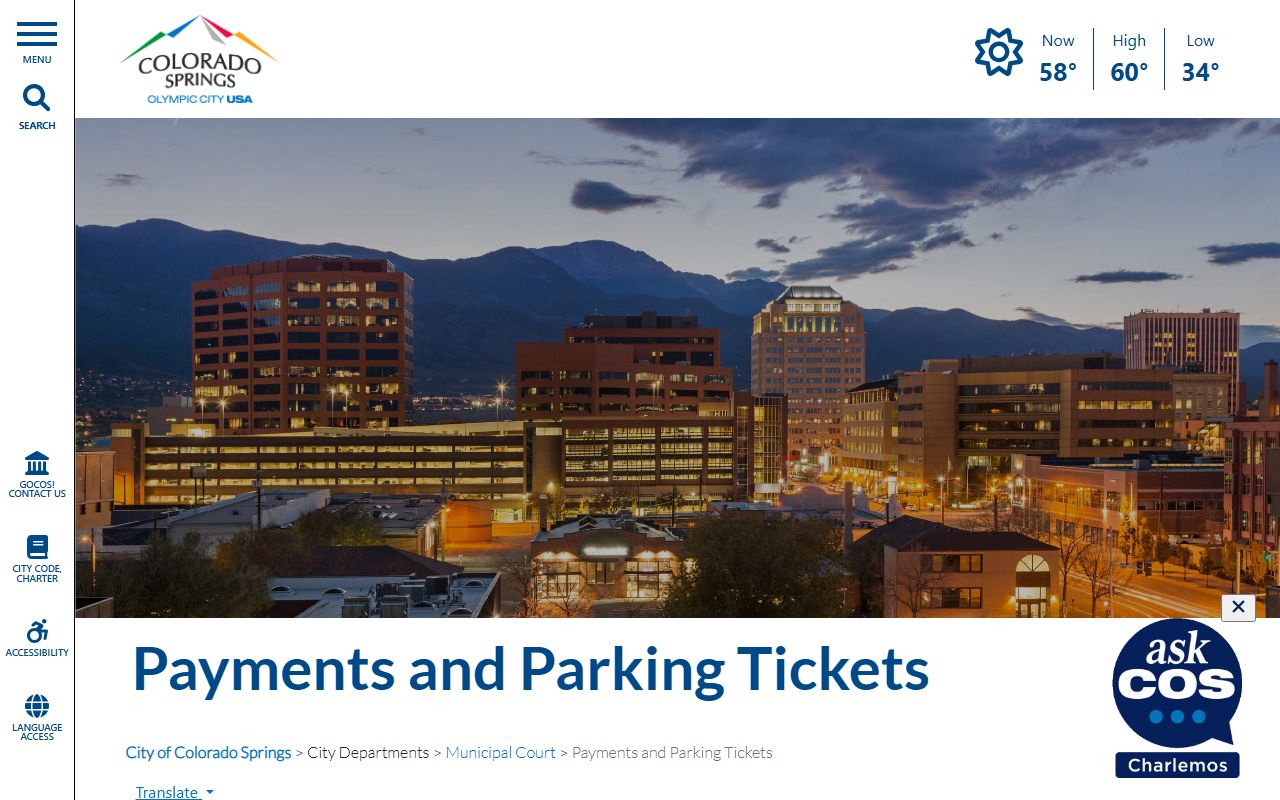
The Colorado Springs Municipal Court sits at 224 E. Kiowa Street in downtown. This court serves the city of Colorado Springs and surrounding areas. Hours are 8:00 a.m. to 4:00 p.m., Monday through Friday. The phone number is 719-377-9788. The clerk maintains records of every citation filed.
| Court | Colorado Springs Municipal Court |
|---|---|
| Address | 224 E. Kiowa Street, Colorado Springs, CO 80903 |
| Phone | 719-377-9788 |
| Hours | 8:00 a.m. - 4:00 p.m. Monday-Friday |
| Website | coloradosprings.gov |
| Payment Portal | MuniCourtPay.com |
The Colorado Springs Municipal Court offers incentives for early payment. Automatic point reduction is available if you pay before your court date. This can help protect your driving record. However, a $25 court cost applies to payments made on or after the court date. Pay early to save money and reduce points.
How to Search Colorado Springs Traffic Court Records
Searching for Colorado Springs Traffic Court Records starts with the municipal court. The clerk keeps all local traffic case files. You can search by name or citation number. The clerk can look up cases over the phone. You may also visit the courthouse. Bring photo ID when you go.
The CoCourts.com portal covers many Colorado courts. You can search online for case status. The system shows the register of actions. This lists all events in your case. You will see filing dates and hearing schedules. The site updates in real time.
The Colorado Springs Municipal Court uses MuniCourtPay.com for online payments. This portal may also show case information. You can check if your ticket qualifies for online payment. The system accepts credit and debit cards. Payments post immediately.
To search Colorado Springs Traffic Court Records effectively, gather these details:
- Full legal name of the driver
- Citation number from the ticket
- Date of the alleged violation
- Case number if assigned
- Court date if scheduled
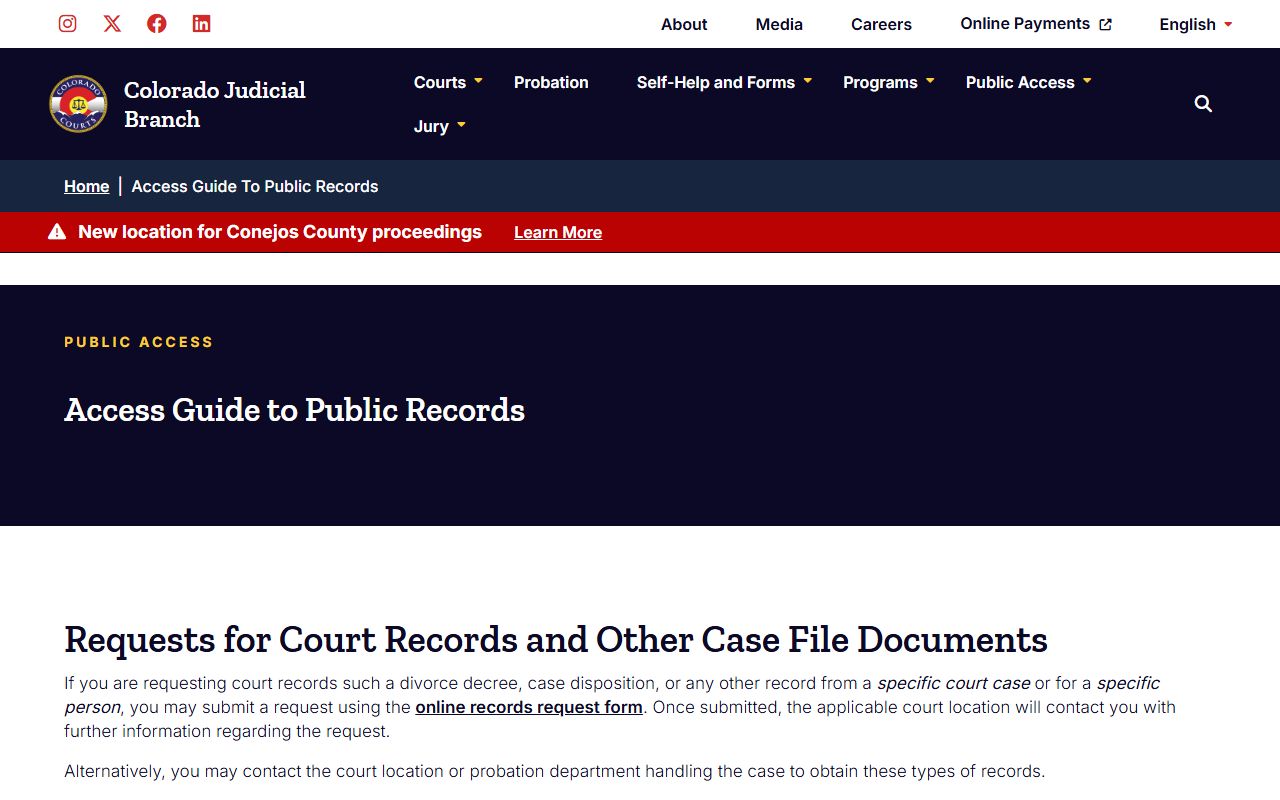
You can also request records by mail. Use the Online Records Request Form from the Colorado Judicial Branch. Fill out the form with case details. Include your contact information. Mail it to the court. Expect a response within three business days.
Types of Colorado Springs Traffic Court Records
Traffic court records in Colorado Springs include several document types. Each serves a different purpose. Understanding these helps you request the right records. The clerk maintains files for years after cases close. Some records are digital. Others remain on paper.
Citation records form the base of traffic cases. An officer files a citation after a traffic stop. This document lists the alleged violation. It shows the date, time, and location. The officer's notes appear here. Citations become part of the official court file.
Court filings include motions and responses. Drivers may contest tickets. They file motions to dismiss or reduce charges. The prosecution responds. Judges issue orders. All these papers become public records. They show how the case proceeded.
Colorado Springs Traffic Court Records typically contain:
- Traffic citation details and violation codes
- Court hearing dates and locations
- Judge or magistrate assigned to the case
- Final judgments and sentencing terms
- Payment records and compliance status
- DMV point assessment information
Payment records track fines and fees. Courts log when payments arrive. They note payment plans. These records prove compliance with court orders. They are essential for clearing holds on licenses. Keep copies of all payment receipts.
Colorado Springs Traffic Laws and Violations
Colorado law classifies traffic offenses into categories. Colorado Springs follows these state laws. Each category has different penalties. The classification affects your driving record. It determines fines and possible outcomes.
Under CRS 42-4-1701, traffic offenses fall into classes. Class A infractions carry DMV points. These include speeding and running red lights. Class B infractions have no points. Both classes require payment of fines.
The DMV Point System under CRS 42-2-206 tracks driver behavior. Adults face suspension at 12 points in 12 months. Points stay on your record for years. Insurance companies check them. Too many points raise your rates. Colorado Springs offers point reduction for early payment.
The Public Records Access Guide explains how to obtain traffic court documents. It covers fees and procedures. Some records may have restricted access. Juvenile traffic cases have different rules.
Pay Colorado Springs Traffic Fines Online
Paying traffic fines is easier than ever. Colorado Springs offers secure online payment through MuniCourtPay.com. You can settle tickets without visiting court. This saves time and travel. Payments post quickly. Records update within days.
The MuniCourtPay.com portal is the primary payment method. You need your citation number or case number. Credit and debit cards work. The system sends email confirmations. Keep these for your records. Payments are secure and encrypted.
Remember the early payment incentive. Pay before your court date to get automatic point reduction. Wait until your court date or after, and you pay an extra $25 court cost. Check your citation for the court date. Pay early to save money.
Not all violations qualify for online payment. Serious offenses require court appearances. The payment portal will tell you if your case qualifies. Follow the instructions provided. Contact the court if unsure. The clerk can explain your options.
The Colorado Judicial Online Payments portal handles county court cases. If your Colorado Springs ticket went to El Paso County Court, use this portal instead. Make sure you use the right payment system for your case.
Colorado Springs Traffic Court Record Fees
Obtaining traffic court records involves fees. Costs vary by request type. Certified copies cost more than plain ones. Search fees may apply. Payment methods differ by court.
Copy fees typically run per page. First pages cost more than additional ones. Certified copies add authentication. This proves the document is official. Expedited service may cost extra. Mail requests include postage fees. Online payments may have service charges.
The Online Records Request Form lists current fees. Submit this form for mail requests. Include payment with your request. Checks should be payable to the specific court.
Fee waivers exist for qualified applicants. You must show financial hardship. Fill out a fee waiver form. Provide proof of income. The judge decides on approval. Waivers cover copying costs. They do not cover fines or penalties.
Are Colorado Springs Traffic Court Records Public
Yes, Colorado Springs Traffic Court Records are public under Colorado law. The Colorado Open Records Act guarantees access. Anyone can view these records. You do not need to be involved in the case. No purpose is required.
Courts must provide access upon request. There are time limits for responses. Standard requests take three business days. Complex searches may take longer. Courts can charge for staff time.
Some information remains private. Home addresses are protected. Social security numbers are redacted. Medical information is confidential. Juvenile records have special rules. These protections balance access with privacy.
Colorado Springs Traffic Court Resources
Colorado Springs is in El Paso County. The county court handles felony traffic cases. The municipal court handles city violations. Here are helpful resources for finding Colorado Springs Traffic Court Records: